
Private Secure Communication

Secure Messaging for Teams and Private Conversations

SafeW brings private chat, group messaging, file sharing, voice and video calls, and cross-device access into one communication experience. It is designed for people and teams that want clearer privacy boundaries, more consistent message access, and a more reliable way to stay connected over time.

Windows macOS Linux Android iOS
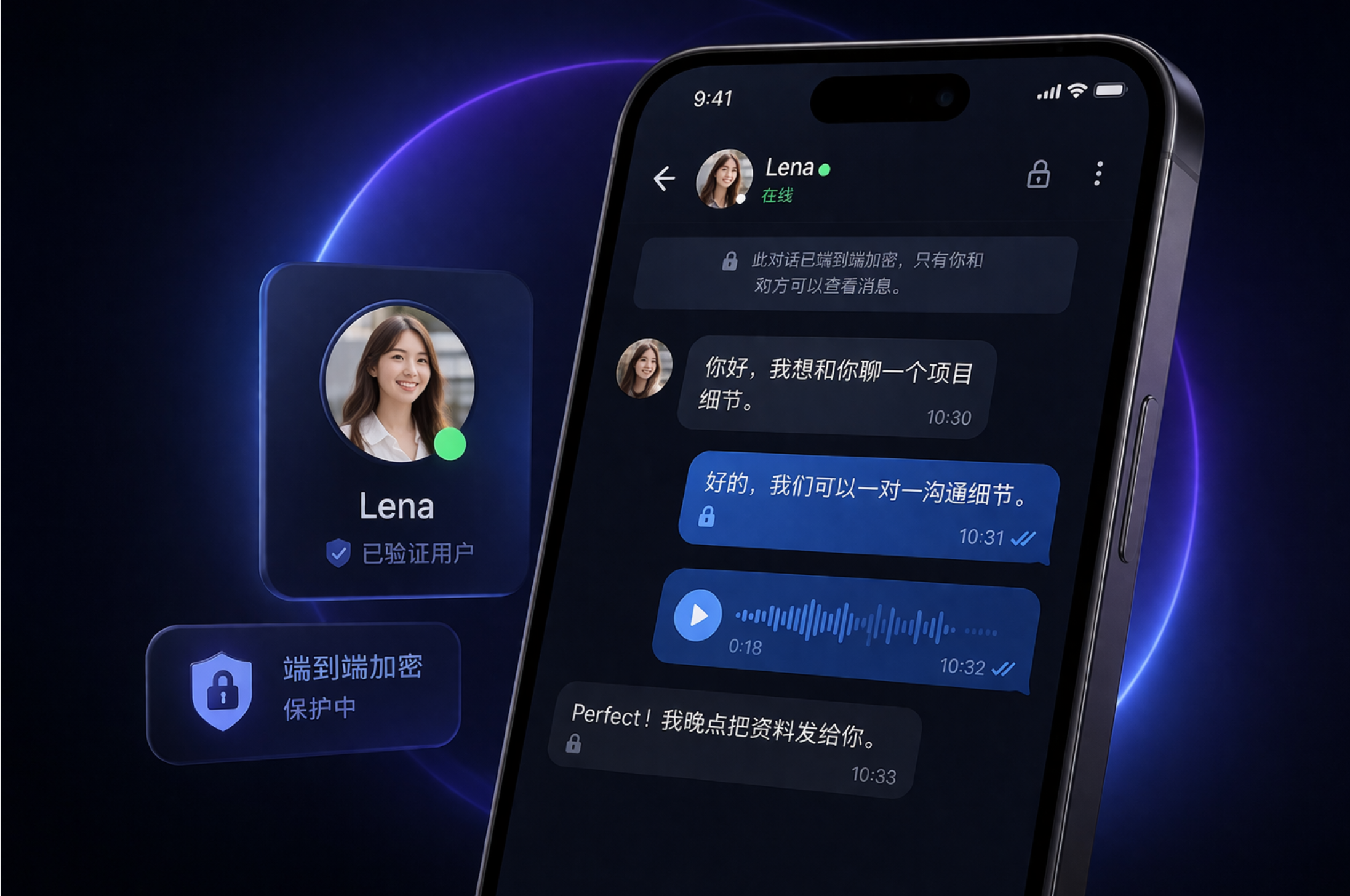
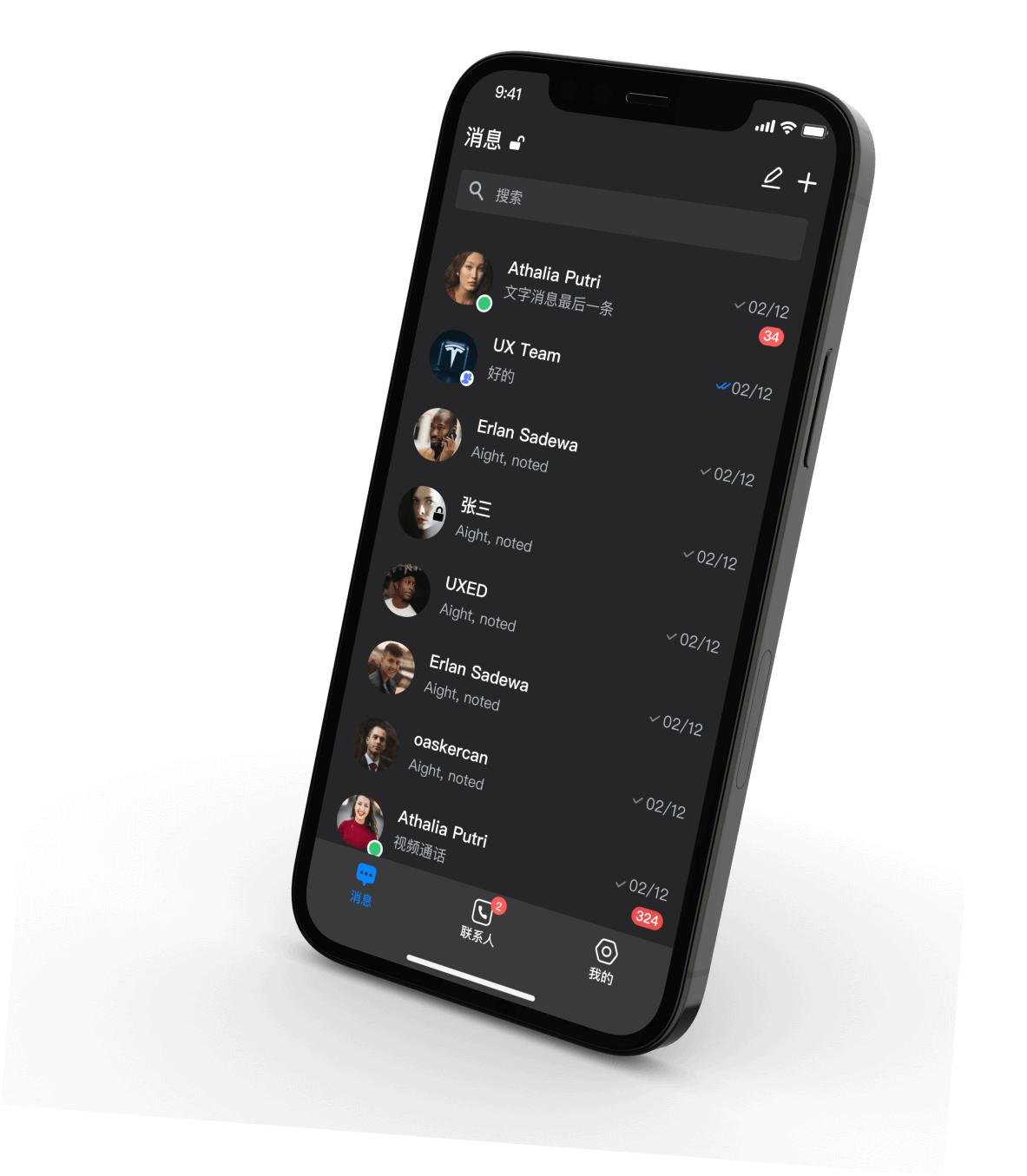
SafeW messaging interface preview

What SafeW helps you do

SafeW is not just a place to exchange messages. It helps people and teams keep conversations, files, calls, and device access connected in one system, making communication easier to manage and more consistent over time.

Secure messaging

Private messaging with stronger protection

SafeW is suited to one-to-one conversations where privacy matters. It gives users a more controlled environment for everyday messaging, sensitive discussions, and communication that should stay within a clearly defined audience.


Direct communication

Direct conversations that stay easy to follow

For discussions that involve repeated follow-up, context, or coordination, direct messaging can be more effective than fragmented communication. SafeW supports that kind of ongoing exchange without making the experience feel scattered.

Cross-device access

Cross-device access with less interruption

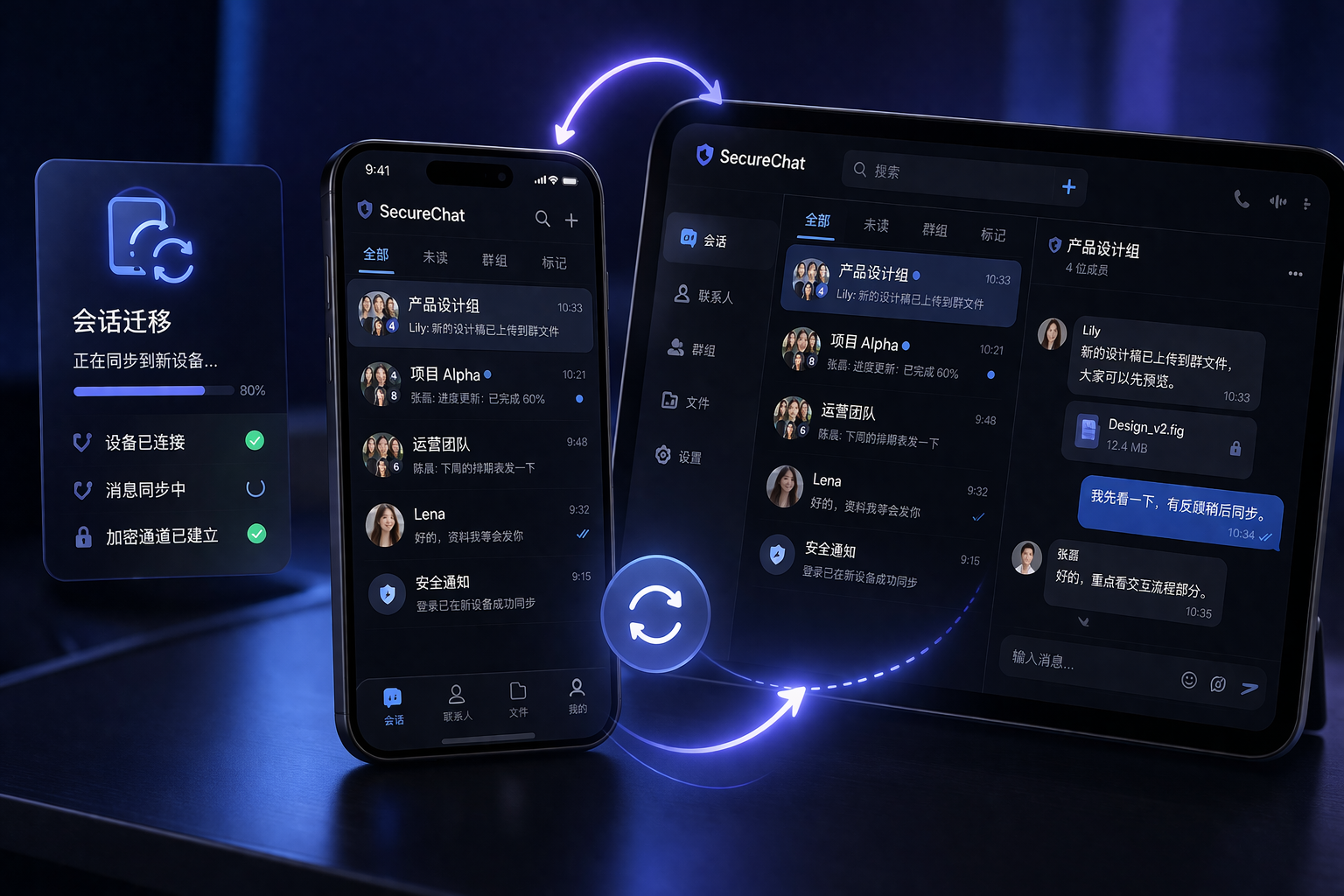
People often move between desktop and mobile during the day. SafeW helps keep that experience connected, so conversations, files, and replies remain easier to access whether you are working at a desk or responding on the go.

Group communication

Group messaging for teams and smaller circles

SafeW works well for teams, projects, and groups where the participants are known and the conversation needs to stay organized. It is better suited to structured collaboration than to broad public discussions or open community traffic.

Voice and video calls

Voice and video for faster communication

Some conversations are easier to resolve in real time. SafeW supports voice and video calls for quick check-ins, remote coordination, and discussions that benefit from faster feedback than text alone can provide.

File sharing

Files shared in the flow of conversation

Documents, images, and work materials can move with the conversation instead of being split across different tools. That makes SafeW useful for communication that depends on both discussion and file exchange happening together.

Privacy, security, and usage boundaries

A messaging product is not defined only by features. It also needs clear usage boundaries. SafeW is best suited to conversations where participants are known, communication needs to continue over time, and message access should stay more controlled.

Message protection icon

Built to protect message flow and access

SafeW is designed to support communication where who sees a message matters just as much as the message itself. That makes it a stronger fit for private exchanges and defined communication circles.

Clear access control icon

Better suited to known contacts and stable groups

SafeW is more useful when the people involved are already identified, whether that means direct contacts, internal teams, or trusted collaborators. It is less suited to open distribution and anonymous audience growth.

System boundaries icon

Not a replacement for every business system

SafeW supports communication, file exchange, and real-time coordination. It is not meant to replace full workflow tools for approvals, records, document archiving, or long-term project management.

Where SafeW fits best

SafeW is most useful in situations where communication needs to stay private, continuous, and easy to manage across devices. These scenarios show the kinds of communication it supports best.

Private chat scenario
Private Chat

One-to-one conversations that need privacy

SafeW works well for personal communication, sensitive topics, and direct conversations where privacy and clear message boundaries matter.

Team communication scenario
Team Messaging

Ongoing coordination for teams and projects

Teams that need a more stable communication rhythm can use SafeW to keep discussion, file exchange, and group coordination in one place.

Multi-device scenario
Cross-Device Access

Conversations that continue across devices

Desktop and mobile often serve different parts of the workday. SafeW helps keep the same conversation available across both without making the experience feel disconnected.

Calls scenario
Voice & Video

Real-time calls when text is not enough

Voice and video are useful when a decision needs to happen quickly, especially in remote work, fast-moving coordination, and time-sensitive conversations.

File sharing scenario
File Sharing

Documents and media sent in context

Sharing files inside the conversation reduces extra steps and keeps the background of the discussion easier to follow for everyone involved.

Cross-region communication scenario
Distributed Communication

Reliable communication across locations

For teams and contacts working across cities or regions, SafeW supports more consistent communication without relying on fragmented tools.

Common questions

Before choosing a messaging platform, people usually want to know what it is best for, who it fits, and how it works in everyday use. These are some of the most common questions new users ask.

FAQ icon

What is SafeW?

SafeW is a private messaging platform designed for direct communication, group conversations, file sharing, and cross-device access with a stronger focus on privacy.

FAQ icon

Which platforms does SafeW support?

SafeW supports Windows, macOS, Linux, Android, and iOS, making it suitable for communication that moves between desktop and mobile.

FAQ icon

Who is SafeW best suited for?

It is best suited to people and teams that value privacy, known contacts, and communication that needs to stay organized and accessible over time.

FAQ icon

How do I get started with SafeW?

The easiest way to start is to choose the version for your device, install it, and begin with direct conversations or a small group that matches your regular workflow.

Bring messaging, files, and calls into one private communication flow

If you want a messaging product that supports private communication, clearer message boundaries, and smoother access across devices, SafeW is a practical place to start.